Your custom model
A brick-built interpretation of your photo, designed around its most recognizable shapes, proportions and colors.

Upload a photo and Photo2bricks will design a custom model inspired by it — with a parts list, a downloadable model file and a step-by-step building guide.
Digital product · physical bricks not included
Generation can take 30–60 minutes. You can leave and come back later — your progress stays in My builds.
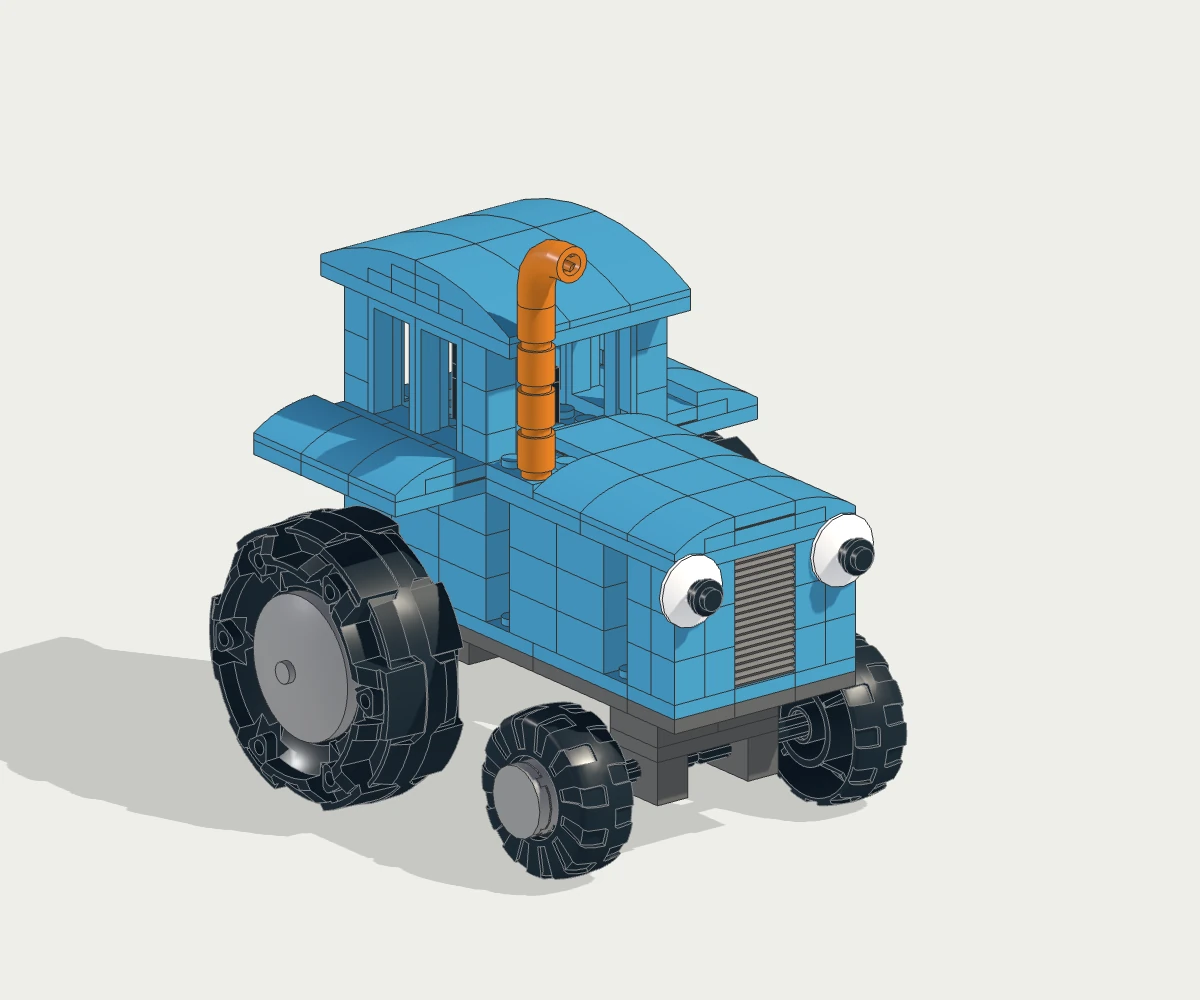 197 pieces · 59 build steps
 01 / SOURCE PHOTO
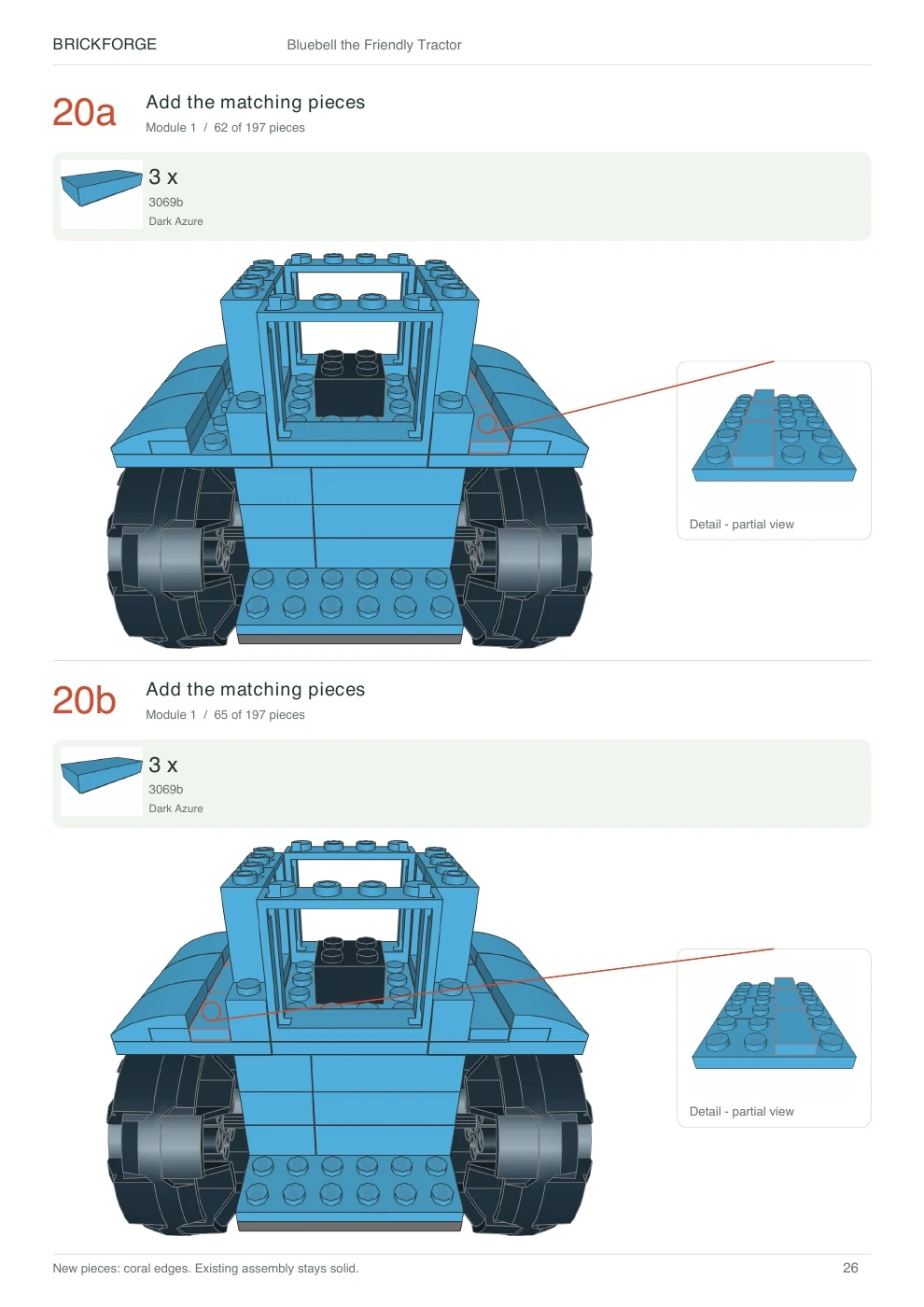 03 / Building Guide
Turn a toy, drawing, pet, vehicle, sculpture or favorite object into a custom brick model.
For experienced builders, Photo2bricks can also be a fast starting point for a new MOC idea.
Photo2bricks creates a real digital brick model and the files you need to understand and recreate it.
A brick-built interpretation of your photo, designed around its most recognizable shapes, proportions and colors.
See the pieces used in your model, including exact part and color information.
Follow a visual building guide generated specifically for your model.
Download the digital model file for inspection, archiving or use in compatible brick-building software.
Choose one clear photo of the object you want to recreate. A visible silhouette and simple background usually work best.
Our AI designer studies the photo, chooses real catalog parts and creates a custom brick interpretation.
The model is digitally checked for valid parts, connectedness and detected collisions before it can be accepted.
Explore the finished model, review the parts list and open or download your building guide.
A Photo2bricks build is an AI design process, not an image filter. The system designs, checks and reviews the model before preparing your guide.
Generation can take 30–60 minutes depending on the object and the amount of work the design needs.
You do not need to keep the page open. Come back to My builds whenever you want to check the result.
Models are digitally validated, but physical insertion paths, clutch strength and real-world stability are not fully tested yet.
Turn a favorite toy, drawing, pet or memorable object into a one-of-a-kind brick project for yourself or your family.
Get a custom digital model, exact parts information and a building guide instead of starting with a blank canvas.
Real models preserved from the development of Photo2bricks. They show earlier stages of the project and were created with an older design architecture.
See an exampleSOURCE PHOTO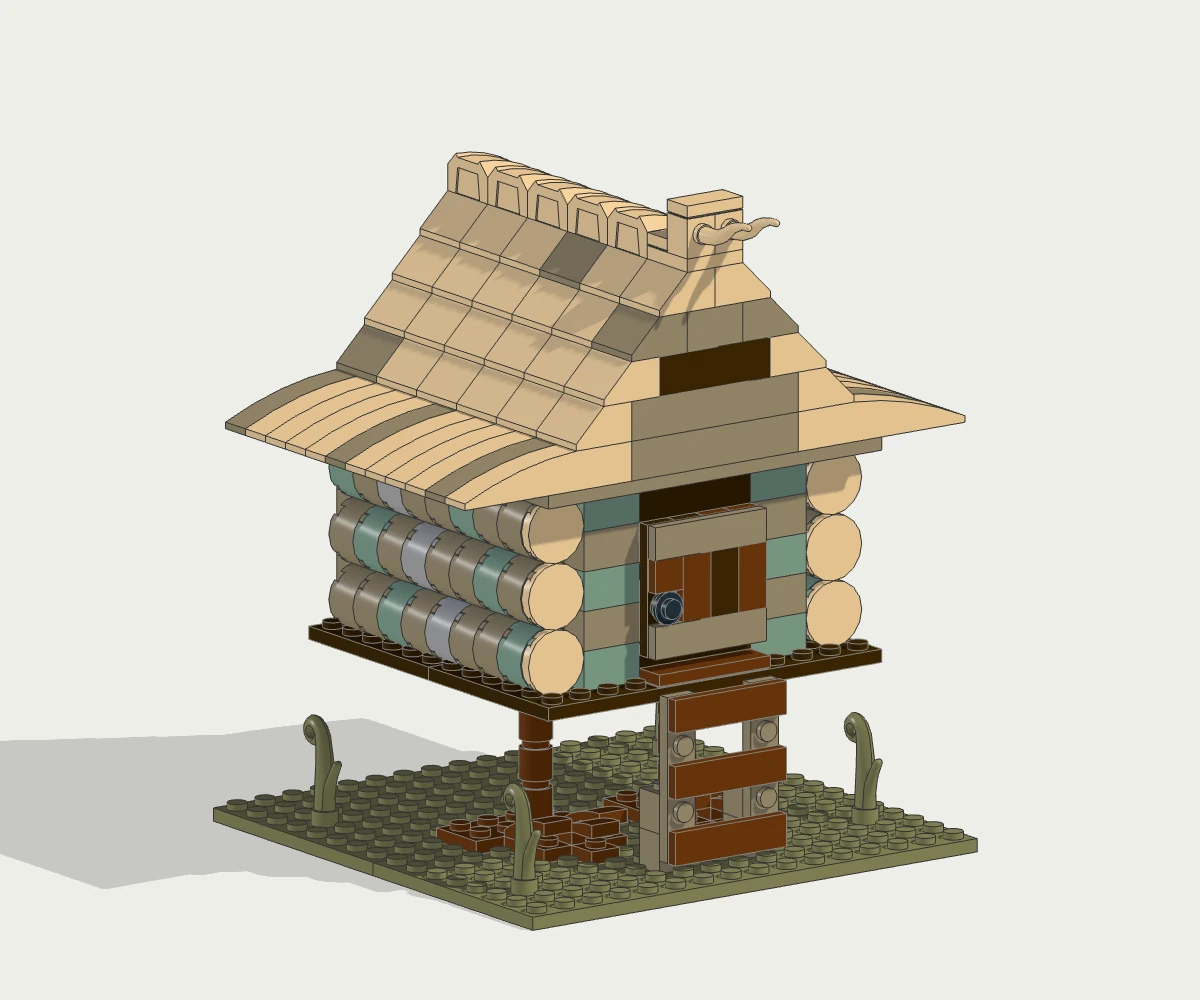 See an example
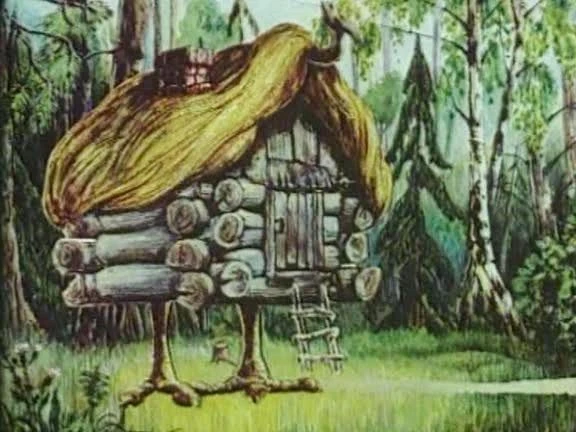 SOURCE PHOTO
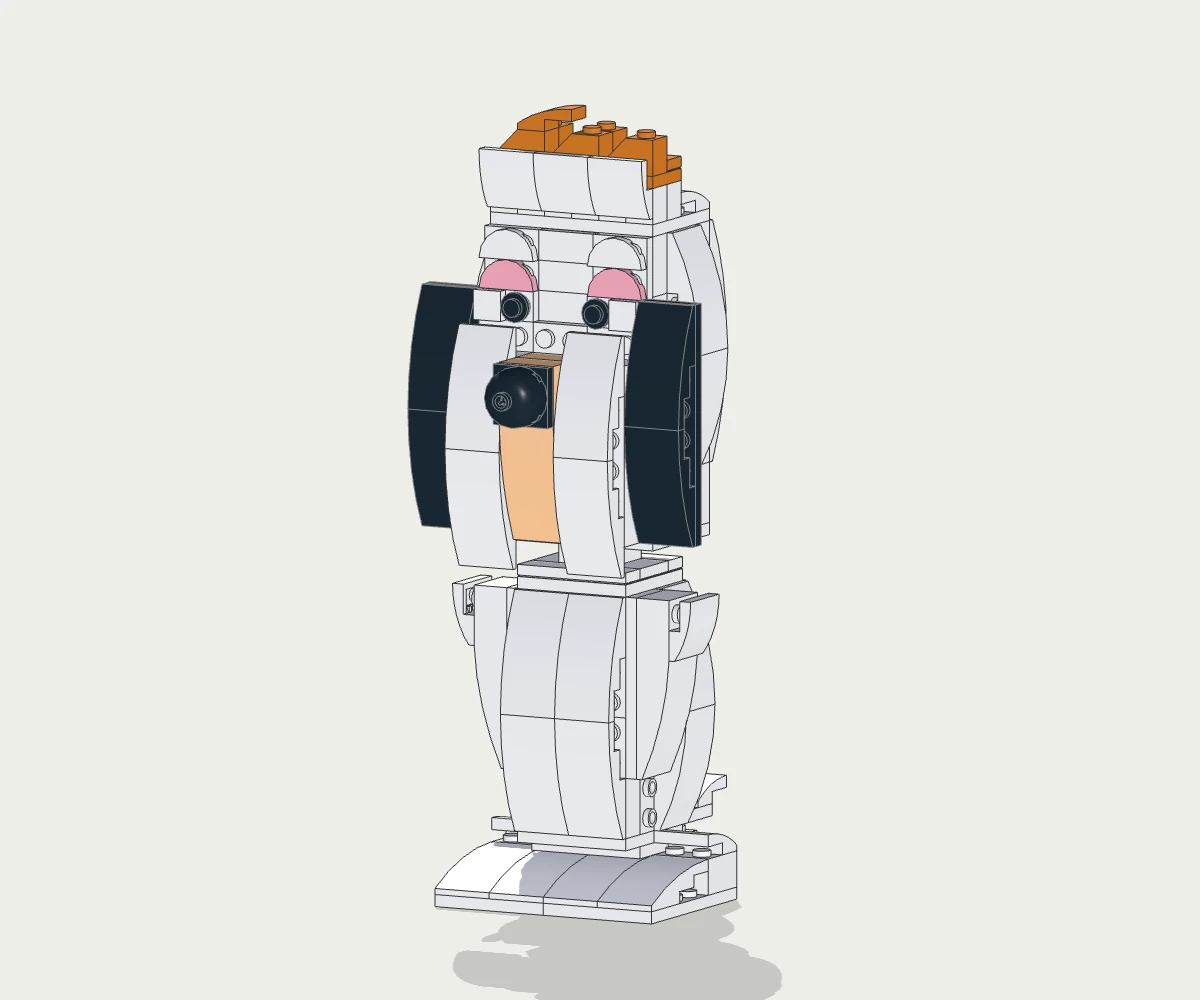 See an example
 SOURCE PHOTO
One Build means one successfully delivered custom model from one photo.
Pricing preview — purchases are not available yet. No subscription.
$5.99
Try Photo2bricks
Each Build includes:
$15.99
$5.33 per BuildSave 11%
For a few favorite ideas.
Each Build includes:
$44.99
$4.50 per BuildSave 25%
For builders and creators.
Each Build includes:
Physical bricks are not included.
A custom digital brick model based on your photo, an exact parts list, a step-by-step building guide and a downloadable model file.
No. Photo2bricks is a digital product. Physical bricks are not included.
Generation can take around 30–60 minutes. Complex objects may need more design work than simple ones. You do not need to keep the page open while the build is being created.
No. A Build is the finished product. The system may perform multiple internal design and checking steps to produce it.
Photo2bricks creates a brick-built interpretation rather than an exact geometric copy. The goal is to preserve the object's recognizable character, major proportions, silhouette and important visual details using real brick parts.
The models are digitally checked for valid parts, connectedness and detected collisions. Physical insertion paths, clutch strength and real-world stability are not yet fully tested.
The downloadable model file can be opened in compatible brick-building software. Photo2bricks does not currently include an interactive editing workflow.
Use an image that you own or have permission to use. A clear photo containing one main object usually gives the best result.
No. Photo2bricks is an independent service and is not affiliated with, endorsed by or sponsored by the LEGO Group.
Physical bricks are not included.